
Copilot CLI Local Model Discovery Makes BYOK Less Awkward
GitHub Copilot CLI can now discover supported Ollama models from the model picker, but local model routing still needs clear privacy and capability checks.
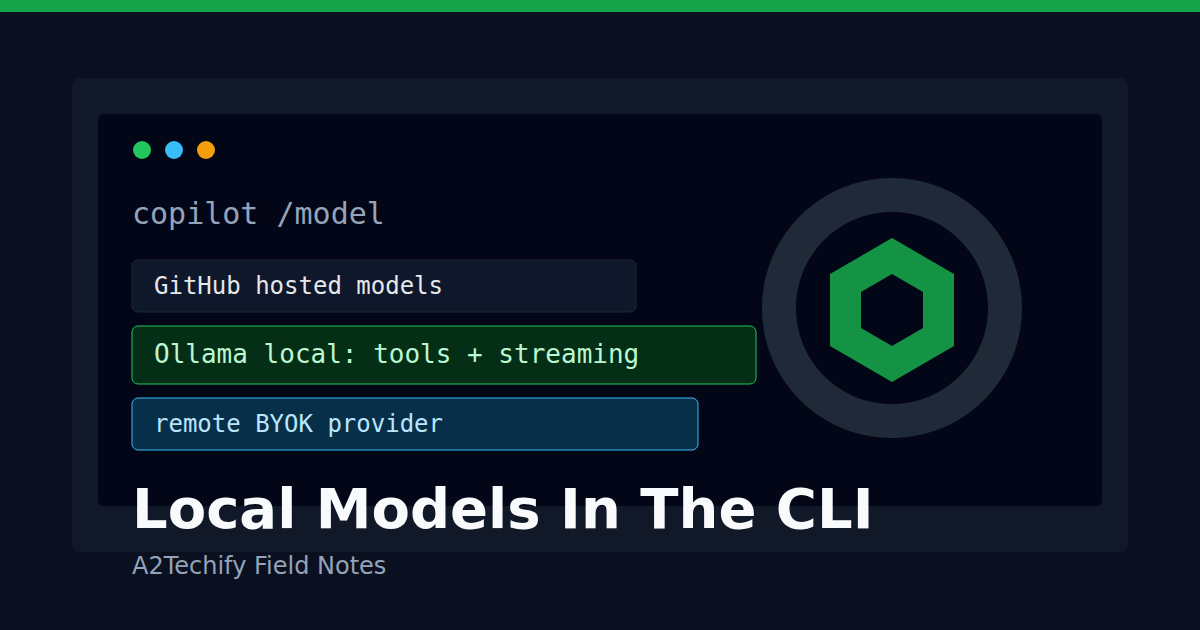
GitHub added a small but useful quality-of-life feature to Copilot CLI: starting with CLI version 1.0.94-0, /model can discover supported models from a running local Ollama instance and show them next to configured provider models and GitHub-hosted Copilot models.
That does not make local model use automatic, offline, or magically private. It does remove one of the rough edges: remembering the exact provider setup while you are already inside a coding session.
What Changed
Copilot CLI already supports bring-your-own-key and custom model providers, including OpenAI-compatible endpoints such as Ollama, vLLM, Foundry Local, and other local or remote services. The new discovery flow focuses on the interactive model switcher.
With a supported Copilot CLI version and Ollama already running, /model can surface local models that Copilot CLI knows how to use. GitHub says discovery does not automatically add anything. You still choose a discovered model, review the provider and endpoint, and then decide whether to add it for the current session or add it without switching.
The practical detail is that the CLI can now move from “you must preconfigure the model before the session” toward “you can inspect and select a local model while you are already working.”
Why We’re Paying Attention
Local model support is most useful when it becomes a normal part of the developer workflow instead of a separate experiment.
For a small team, the interesting path looks like this:
small local task -> local model
private or expensive context -> local or on-prem provider
hard reasoning / large context -> hosted model
The model picker is where that policy becomes real. If a developer can see local options beside cloud options, they are more likely to choose the right execution boundary for the current task.
The feature is also a reminder that “local model” is not one thing. A local Ollama model may be free to run after download, but it may be slower, have a smaller context window, or fail tool-calling workflows that a hosted model handles well. A remote OpenAI-compatible endpoint may look similar in configuration while still sending prompts and code context across the network.
How It Works
GitHub’s docs describe three provider types for Copilot CLI: openai, azure, and anthropic. The openai provider type covers OpenAI-compatible endpoints, including Ollama and vLLM. For a local Ollama instance, the minimal environment setup still looks like this:
export COPILOT_PROVIDER_BASE_URL=http://localhost:11434
export COPILOT_MODEL=your-local-model-name
copilot
The discovery update changes the interactive selection experience, not the basic requirements. Ollama and the model must already be installed. The flow does not install a runtime or pull model weights for you.
The model also has to fit Copilot CLI’s needs. GitHub says custom models must support tool calling and streaming. The docs recommend a context window of at least 128k tokens for best results. That is a high bar for many local models, so “listed in Ollama” is not the same as “good for agentic coding work.”
A Small Useful Test
This post does not need a sample repo. The useful test is a local checklist against the tools the reader already has.
First confirm Ollama is reachable:
curl http://localhost:11434/api/tags
Then start Copilot CLI and open the model picker:
/model
Look for three things before trusting the option for real work:
- The provider endpoint is the one you expect, especially if you also use remote OpenAI-compatible services.
- The selected model supports tool calling and streaming.
- The task does not need a context window larger than the local model can handle.
For a safe first run, use a tiny non-sensitive task such as summarizing a README or explaining a single file. If the model struggles with tool calls, file edits, or long context, keep it for narrow helper tasks instead of full agent sessions.
Cost And Operational Notes
The cost story is mostly local hardware and developer time. A local Ollama model does not require a paid API call, but it still consumes disk, memory, CPU or GPU, and patience. Larger models can make the CLI feel broken when the real issue is simply latency or insufficient hardware.
The privacy story needs careful wording. GitHub explicitly notes that choosing a local model does not turn on offline mode or disable GitHub telemetry. Offline mode is a separate COPILOT_OFFLINE=true setting. Even then, offline mode only provides network isolation if the configured provider is also local or inside the same isolated environment. If the provider URL points to a remote endpoint, prompts and code context still leave the machine.
For teams, the operating rules should be explicit:
- Treat local provider URLs and remote provider URLs differently in documentation.
- Do not assume model discovery means a model is approved for sensitive code.
- Keep a short list of known-good local models for coding, tool use, and review tasks.
- Test failure behavior before relying on local models in release or incident workflows.
- Use hosted models when the task needs stronger reasoning, larger context, or more reliable tool use.
Local model discovery is a convenience feature. The policy still belongs to the team.
What We’d Watch Next
GitHub also teased intelligent routing with local models. That is the more important long-term direction: the client can choose a local model for cheaper or more private subtasks, then route harder steps elsewhere when needed.
The risk is that routing becomes opaque. Builders will need clear signals about which model handled which part of the work, what context was sent, and whether a local-only policy was actually respected.
For now, the useful move is simple: make local model selection easier, but verify the endpoint, capability, and privacy boundary every time the workflow changes.