
GitHub Copilot Auto Gets Cost And Quality Tiers
GitHub Copilot auto model selection now has efficiency, balance, and intelligence tiers, giving teams a practical way to steer cost, latency, and quality without picking a model for every prompt.
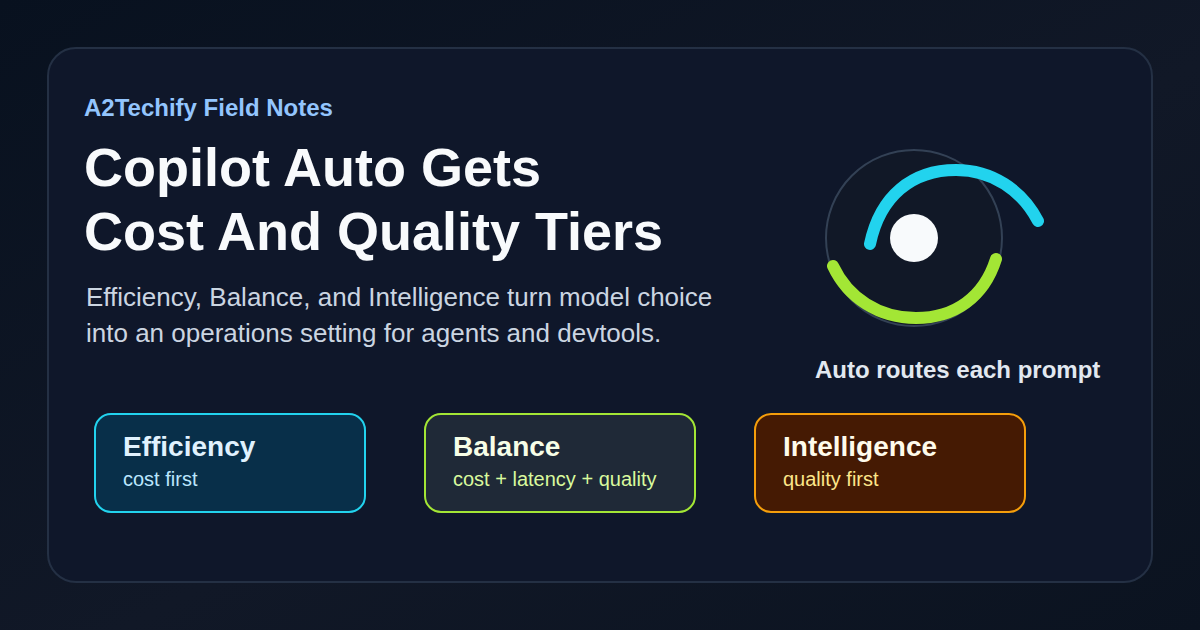
GitHub added three routing tiers to Copilot’s auto model selection: Efficiency, Balance, and Intelligence. Auto still chooses the model for each prompt, but the tier tells Copilot how hard to optimize for cost, latency, or answer quality.
That sounds like a small model-picker update. It is more useful than that. For teams using Copilot Chat, Copilot CLI, the GitHub Copilot app, or agent workflows, this is a cleaner way to stop treating every prompt like it deserves the same model budget.
What Changed
Copilot auto model selection already routed prompts based on task complexity, model availability, and system health. The new part is an explicit preference layer.
GitHub describes the tiers this way:
- Efficiency prioritizes cost and is meant for fast, straightforward work.
- Balance weighs cost, quality, and latency together for normal daily development.
- Intelligence prioritizes quality for harder tasks.
The same model pool is available across the tiers, subject to the user’s plan and administrator policies. The tier does not pin every prompt to one model. GitHub’s example is important: even in Intelligence mode, a simple docstring request may still go to a smaller model if that is enough for the job.
The feature is rolling out in Visual Studio Code, Copilot CLI, and the GitHub Copilot app. GitHub’s docs also say auto model selection with task optimization is generally available across Copilot Chat, Copilot CLI, the GitHub Copilot app, and Copilot cloud agent, while the new tier controls are specifically available in VS Code, Copilot CLI, and the Copilot app.
Why We’re Paying Attention
Most teams do not need more model names in a dropdown. They need a default that makes everyday work cheap and quick, while still leaving room for deeper reasoning when the task deserves it.
This is especially relevant for agent-style workflows. A coding agent can burn through a lot of small decisions: reading files, explaining a helper, drafting a test, checking an error message, or summarizing a diff. Those steps rarely need the most expensive model in the pool. But the same session may later need a stronger model for a risky migration, a security-sensitive review, or a multi-file design change.
Auto tiers give teams a practical operating language:
- Use Efficiency when the task is repetitive, low risk, or easy to verify.
- Use Balance for ordinary feature work and review support.
- Use Intelligence when the cost of a weak answer is higher than the model bill.
That is a better habit than manually chasing whatever model is fashionable this week.
How It Works
GitHub’s docs describe auto model selection as two systems working together. One tracks real-time model health and availability. The other evaluates task complexity. The router then picks an available model that fits the task and policy constraints.
The new tier changes the preference function, not the whole mechanism:
Prompt
  -> task complexity check
  -> plan and admin policy filter
  -> model health and availability check
  -> tier preference: efficiency, balance, or intelligence
  -> selected model
GitHub also notes that routing happens along natural cache boundaries because switching models mid-session can add cache-related cost without enough quality improvement. That is a useful operational detail. The cheapest system is not always the one that switches models most aggressively.
A Small Useful Test
This post does not need a sample repo. The practical move is to define a simple policy for when a team should change tiers.
Start with Balance as the default, then make the exceptions explicit:
Copilot auto tier policy

Efficiency:
- quick explanations
- small refactors
- test name cleanup
- documentation drafts
- log or error-message interpretation

Balance:
- normal feature work
- pull request review support
- test generation with human review
- debugging with local commands

Intelligence:
- security-sensitive changes
- database migrations
- production incident analysis
- multi-service design decisions
- changes where a wrong answer could create real cleanup work
For individual developers, the useful test is even smaller: run the same prompt in Efficiency and Balance for a routine task, then check the model used and the quality of the answer. If Efficiency is good enough for that class of work, keep it there.
For administrators, pair tier guidance with model access policies. Auto cannot select models that are unavailable in the plan, excluded by administrator policy, restricted by data residency or FedRAMP policy, or disabled as evaluation models.
Cost And Operational Notes
Usage is charged based on the model Copilot auto selects, regardless of tier. GitHub says paid subscribers continue to receive a 10% discount on usage billed through auto model selection.
That means the tier is not a fixed-price mode. It is a routing preference. Intelligence can still use a smaller model for simple work, and Efficiency can still choose a sufficiently capable model when the task needs it. The bill follows the selected model.
There are a few team-level details worth watching:
- Make sure developers can see which model was used for a response. GitHub documents model visibility in Copilot Chat, Copilot CLI, Copilot cloud agent, and the Copilot app.
- Decide whether evaluation models are acceptable for individuals, and disable them when the team needs tighter predictability.
- Treat auto as a policy-aware router, not a substitute for data handling rules. Admin model policies still matter.
- Keep hard verification in tests, CI, and review. A smarter routing tier does not make generated code correct by itself.
For small teams, the cost control story is simple: default to Balance, use Efficiency for low-risk loops, and reserve Intelligence for work where better reasoning is cheaper than rework.
What We’d Watch Next
The next useful step would be better reporting. Teams will want to know which prompts or workflows trigger expensive models, which tier gives the best value for different repos, and where auto routing changes after model availability shifts.
We would also watch how this lands in third-party coding agents. GitHub’s docs say Auto can select from supported models in OpenAI Codex and Anthropic Claude coding agents, subject to policy and subscription. If tier controls become consistent across those surfaces, teams could manage agent cost with fewer one-off settings.
The short version: model choice is becoming an operations setting. Copilot’s new tiers are not magic, but they are a useful nudge toward matching model spend to task risk.